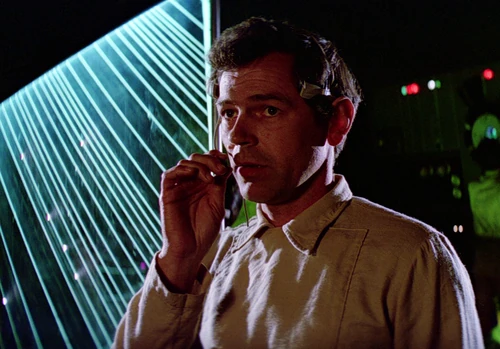
All you have to do is select a picture that you like, right click to view it, so that you get the web location, this will end in a JPG or PNG or whatever. Copy that web address, then open the image tab here and past that link into the image code window. When you publish your post the image will be linked and appear here. If you are trying to post an image that is protected by other tags like say on Facebook it will not work. You would have to be friends with the person to see that type or image. There is my completely not a techer explanation.