Hey all, so I recently bought into Armada, haven't played any games yet. My buddy and I haven't had the time to get together....so I figured I would start on painting some squadrons.
I don't have a lot of painting experience, but I do have some, from many years ago. Painting things such as Warhammer 40k (though I was very young and not good at all) LOL, and some model aircraft/tanks within the past 2-3 years, but again not a lot. I have a decent idea of what I want to do, now is just gathering the rest of the paints in order to start.
I do have a Krylon Fusion Black and Krylon Fusion White as primers. I'm looking to paint some fairly decent paint jobs, not some quick ones. I figure I will purchase some nuln oil from Citadel, alongside some other Citadel colours.. Black, Red, Blue, Green, Yellow and Grey. I would love a suggestion on a grey for the Imperial TIEs. Which brings me to what I have to paint. I have the core set, 2 Rebel Fighter I packs, 1 Imperial Fighter I pack. I am looking to purchase another Imp Fighter I, and an Imp Fighter II.
So if you wonderful people have any suggestions on specific colours I should use, any tips or tricks, or steps to making some detailed fighters I would definitely appreciate everyone's input. I am looking to match colours with the colours from the movies. So closest reds to red squadron, blues to blue squadron, etc. Though I will keep all my rebel fighters which appear as white/grey to a more whitish of bases. Thanks all! I will be posting pictures of the process once I get started, and of the final product. Helpful criticisms and critiques are welcomed! Sorry for the long post!
Beginner Starting Squadrons
If it were me I'd say prime the imp fighters black, then paint with grey in the appropriate areas. That is the down and dirty way of getting halfways decent ties.
What grey to use is another story, I will let one of the experts handle that one. My personal druthers is (I think) admech grey, from gw. Don't take what I said as gospel, there are some pretty good painters on this forum ( I may not be one of them ).
Rebels fighters prime white, then go for a tan/cream color layer all over ( whatever looks good to you). Then go for black on the cockpit, silver or grey for the engine's. Finally highlight with you favorite squadron color. Don't forget to highlight the canopy with the cream/tan, for extra detail.
Washes may help some features pop but overall I'd leave it to your personal preference. Due to their size they don't have a lot of nooks n crannies for the wash to get into. So you may be better off with a steady hand and fine brush to make features pop.
Edited by NooshHalf thought...there finished
I made a WHOLE POST for this very question!
Note: LOTS of Step-by-Steps and Pictures. AND, its the Basics.
Ideas to "go further" are later on. But it starts with the Basics!
EDIT TO EDIT:
PICTURES FIXED.
ALL 30 OF THEM.
DAMMIT 
.. That was a bunch of work @BlueSquadronPilot, but I hope, at least for the Imperial Side, its helpful
As for others:
For Royal Guard Red TIE Interceptors and Defenders, instead of Dawnstone I use Wazdakka Red, and instead of Nuln Oil, I use Carroburg Crimson, and highlighting is done with Evil Sunz Scarlet instead of Administratum - but every step is otherwise the same.
If I want a more BLUE-GREY rather than straight Flat Grey, more akin to RoTJ than ANH... Then my Base colour is Dark Reaper, again, Washed in Nuln Oil, but I tend to Re-use Dark Reaper as the Highlight there. If I want an extreme highlight, I go for Thunderhawk Blue.
Again, all GW Paints.
Edited by DrasnightaThanks @Drasnighta for doing that!
I won't even attempt to follow up on @Drasnighta's awesome play by play, but my process is quickly outlined below:
Imperials
• Black Primer
• Dawnstone as an overall Base Layer
• Nuln Oil Wash
• Black into the TIE wing solar panels
• Administratum Grey to pick out raised sections
• Ceramite white as a final highlight (I like the obvious contrast on the table, so this is more exaggerated than it could be).
• Moot Green for laser (the green helps keep the sanity).
The result is as below (sorry for the poor lighting)

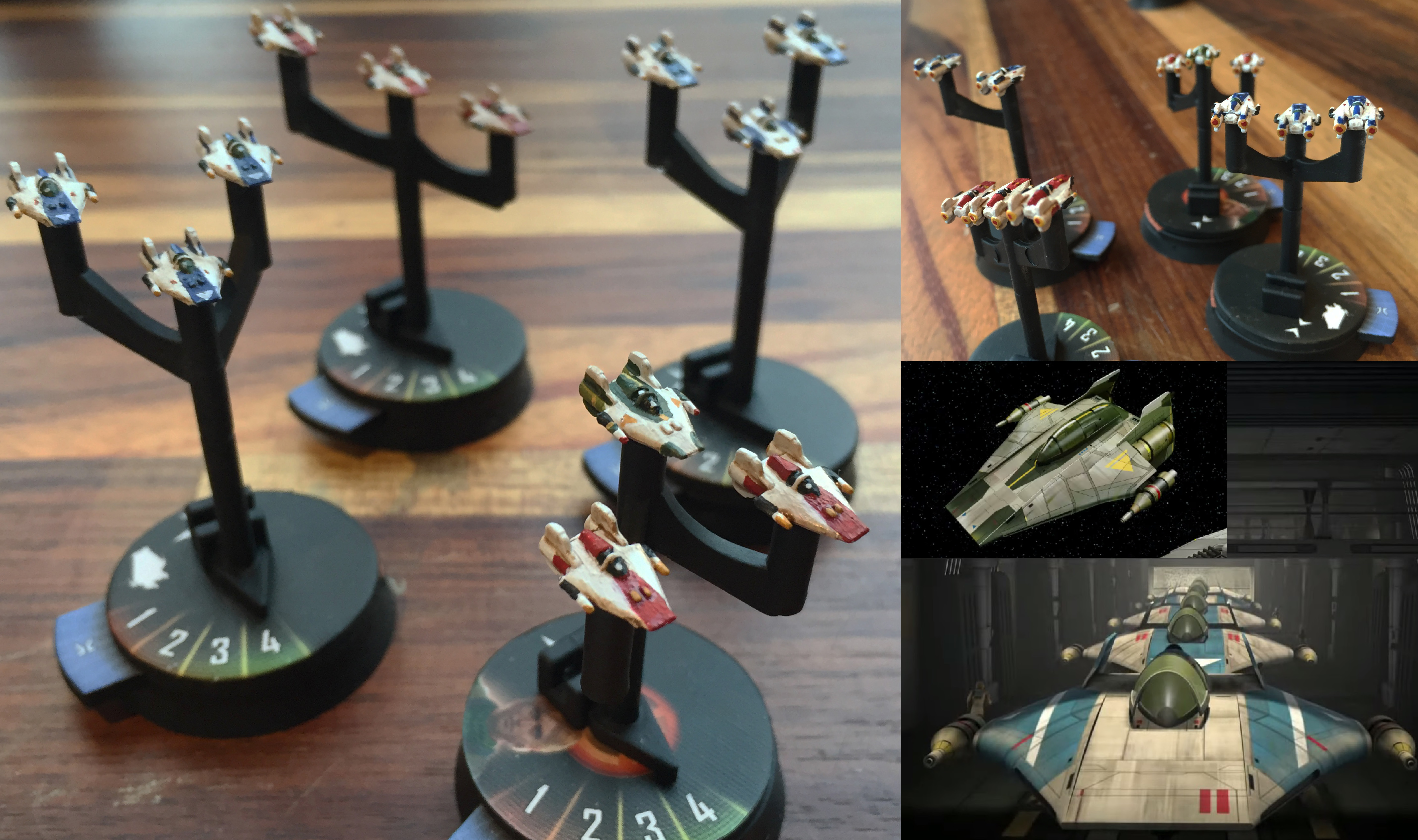
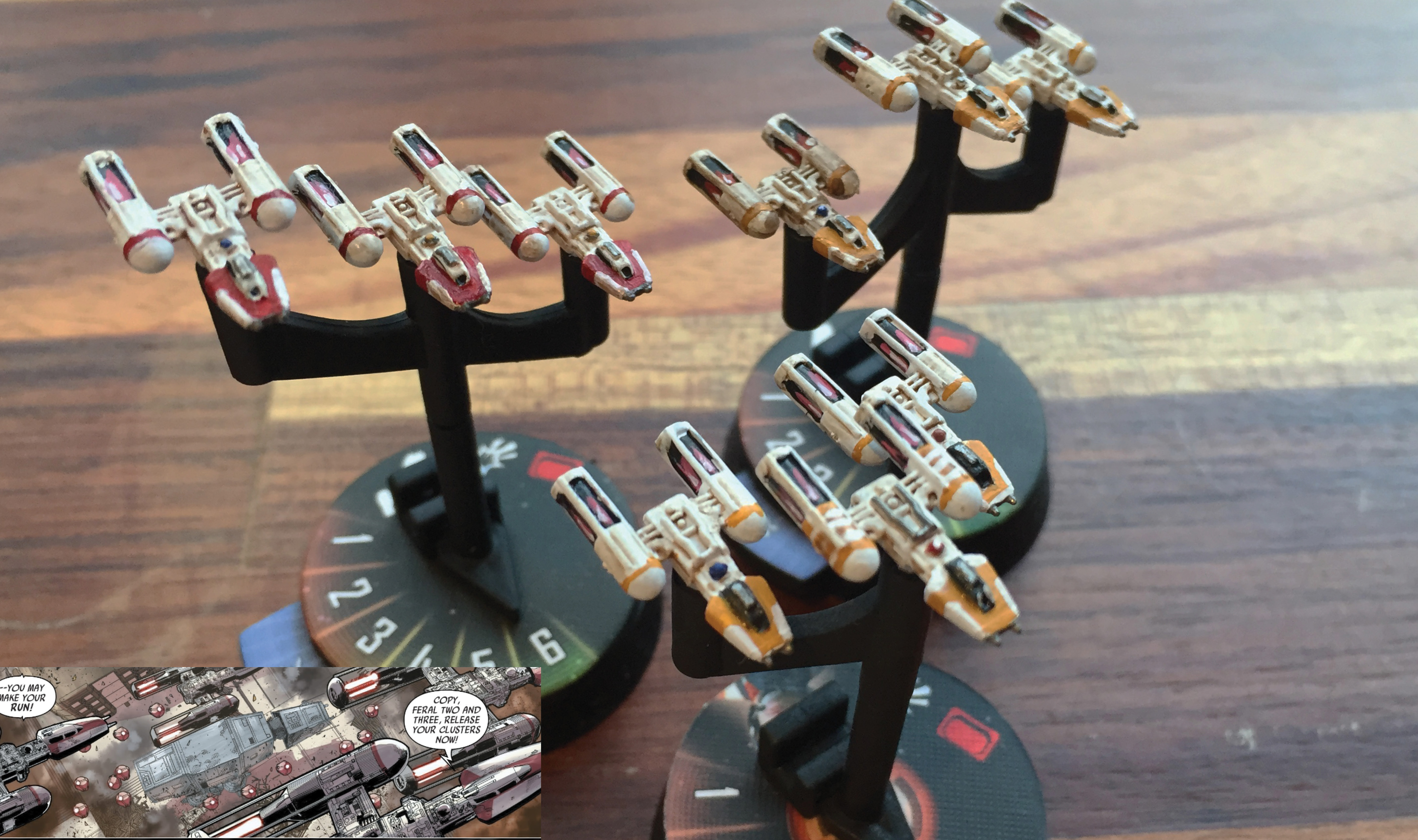
Rebels
• White Primer
• Agrax Earthshade wash (to replace the Nuln. Gives a rusty, battle worn look).
• Pick your Squadron colours and go to town!
• Some light white highlighting
The result is as below (sorry for the poor lighting):
In short:
We have the same process - onlyyou take it all the way to White for extreme highlight, and I keep it at Administratum. Quite possibly because my Nuln is Diluted and my base doesnt go as Dark as standard
So at least Birds of a Feather
Dras where did you get those strikers?
fistfulofforce> Mel I think
for the inside of TIE fighters, I paint it white and draw black triangles, which is much easier than free hand white lines. Plus putting black on white is way easier than the opposite!
funny thing, I black prime everything, except imperial fighters
then AP dark tone on outside panels, Strong tone on the cockpit and panel mounts, black triangles inside panels, ivory highlight on cockpit, mounts and outside panels, royal blue reactor plus horizon blue dot in the center, light green lasers, touching the black outside panels and seal
Can't follow Dras detailed technique, not good enough a painter for sure, so my results are crappy at the best
9 hours ago, fistfulofforce said:Dras where did you get those strikers?
@Themodalnodes is the one with the Strikers
But if I would hazard a guess, either Mels or Tsalt, since they do they majority of Armada 3rd Party
Thank you everyone, I really appreciate this. And the hard work you put into giving us noobies a helping hand and guide. Looking to starting the process after the weekend. Family holiday get together!!! Grrr interrupting my gaming haha.
Duh....thanks dras, I wasn't paying attention.
@fistfulofforce Haha the TIE Strikers are from Mel's store on Shapeways.