Could use some painting advice

By droz69, in X-Wing

Hey guys. Some of you may see this as a repeat post. I've posted this at about 3 different places because I'm trying to get the most exposure and suggestions I can get.

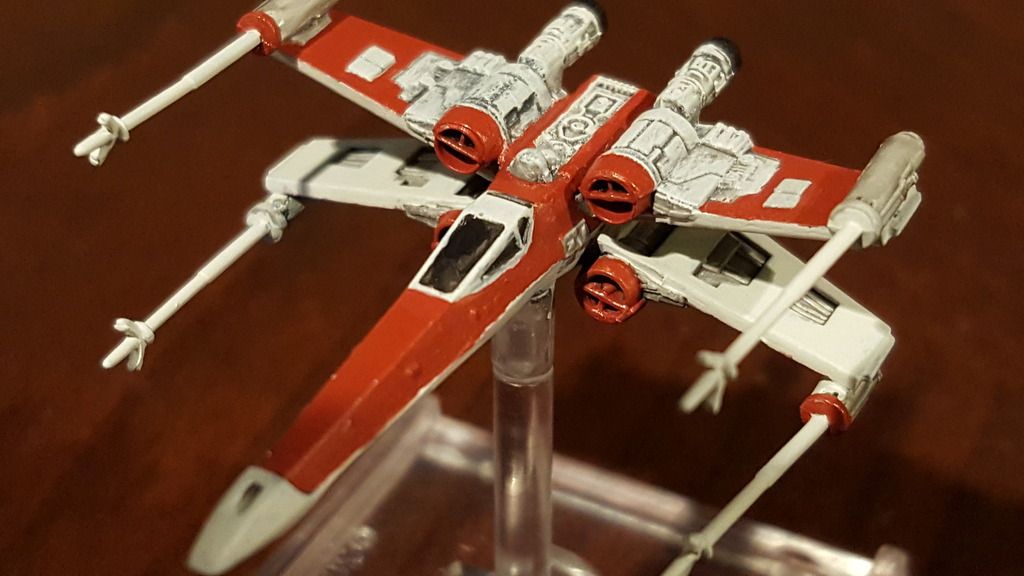
These pictures are of the scheme design I'm planning for my collection, overall. I'm starting with X-Wings. I really like it. Prior to being done, I used Russ Grey on the Laser Bases, and some black trim at the back of the engines and it really made the model pop. Overall, I'm very very happy with the design. I wasn't happy with the red going on as thick as it did. I didn't thin it out enough. Also, there is one engine that didn't quite work out with the drybrushing. I decided to repaint it, dropping it in Simple Green. Currectly working on that. Well, while working on that, I had been thinking of a clean way to add details to each model without looking like a monkey trying to color in side the lines for the first time. I found some awesome decal templates here for Red 1 - 12. I have them printed, bonded, and ready to go.

Here is the problem. Using these decals, I can't stay with the Red that's on there. I like the red, but it would just wash out the decals. I can't use Yellow, as there is a considerable amount of yellow as well in the decals. I've toyed around with Black, and that Russ Grey, but I'm not sold on it yet. I've thought about inversing the colors so the silver-grey is where the red is, and so forth. Though that would accomplish the need pretty much, I feel it wouldn't look right.

So, this is where I am asking the community for help. What do you guys suggest I do?

Here's the pics.
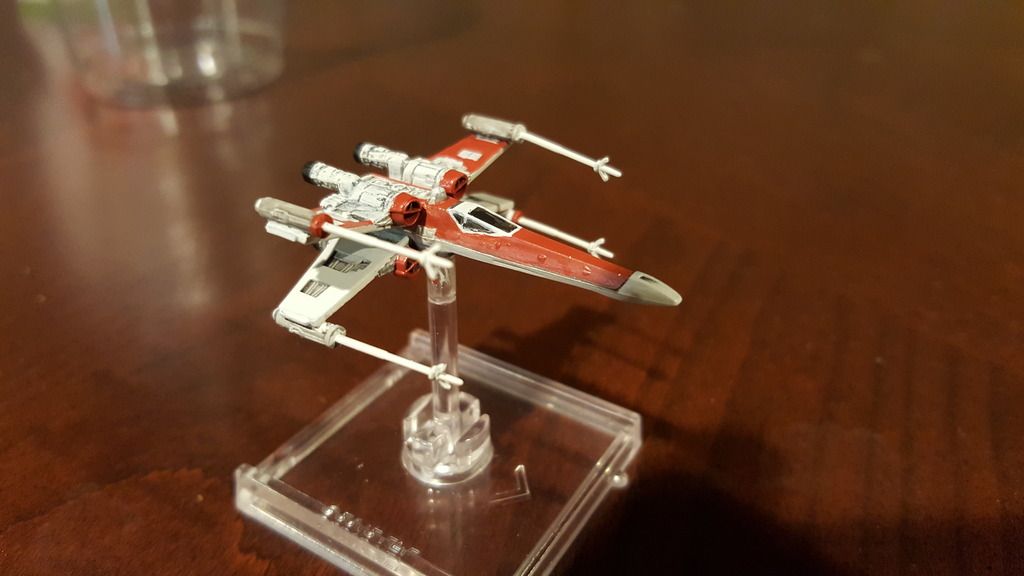
20160513_233604.jpg

20160513_233623.jpg

20160513_233643.jpg

And this is the Decal sheet I'm using.

X-wing%20Decals-page-001.jpg

Any suggestions would help.

Thanks guys.

Less is more.. use a little less red more stripes and less blocked out areas

I would show you an example but I don't know how to import photos

I don't either. I uploaded mine to photobucket and then linked them. lol.

I have a guy who likes the black and orange on Proes x-wing.. He wanted a black and blue version of one.. I said that it would be far cooler not being all black..

I painted him one up and took a photo of it.. wish I could get it on here

Okay what a shifty way to put it on here but what do you think

Hey guys. Some of you may see this as a repeat post. I've posted this at about 3 different places because I'm trying to get the most exposure and suggestions I can get.

These pictures are of the scheme design I'm planning for my collection, overall. I'm starting with X-Wings. I really like it. Prior to being done, I used Russ Grey on the Laser Bases, and some black trim at the back of the engines and it really made the model pop. Overall, I'm very very happy with the design. I wasn't happy with the red going on as thick as it did. I didn't thin it out enough. Also, there is one engine that didn't quite work out with the drybrushing. I decided to repaint it, dropping it in Simple Green. Currectly working on that. Well, while working on that, I had been thinking of a clean way to add details to each model without looking like a monkey trying to color in side the lines for the first time. I found some awesome decal templates here for Red 1 - 12. I have them printed, bonded, and ready to go.

Here is the problem. Using these decals, I can't stay with the Red that's on there. I like the red, but it would just wash out the decals. I can't use Yellow, as there is a considerable amount of yellow as well in the decals. I've toyed around with Black, and that Russ Grey, but I'm not sold on it yet. I've thought about inversing the colors so the silver-grey is where the red is, and so forth. Though that would accomplish the need pretty much, I feel it wouldn't look right.

So, this is where I am asking the community for help. What do you guys suggest I do?

Here's the pics.
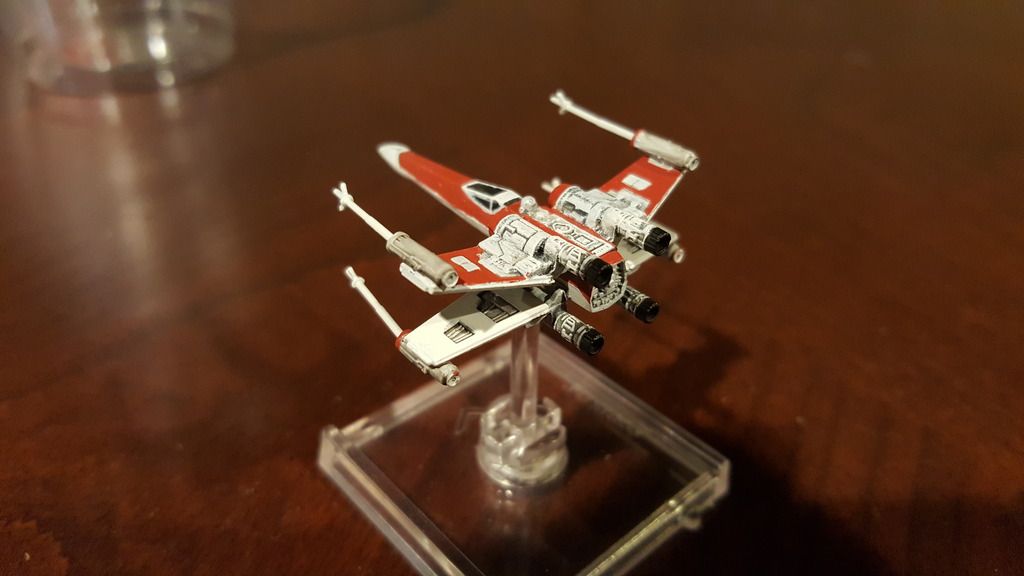
20160513_233604.jpg

20160513_233623.jpg

20160513_233643.jpg

And this is the Decal sheet I'm using.
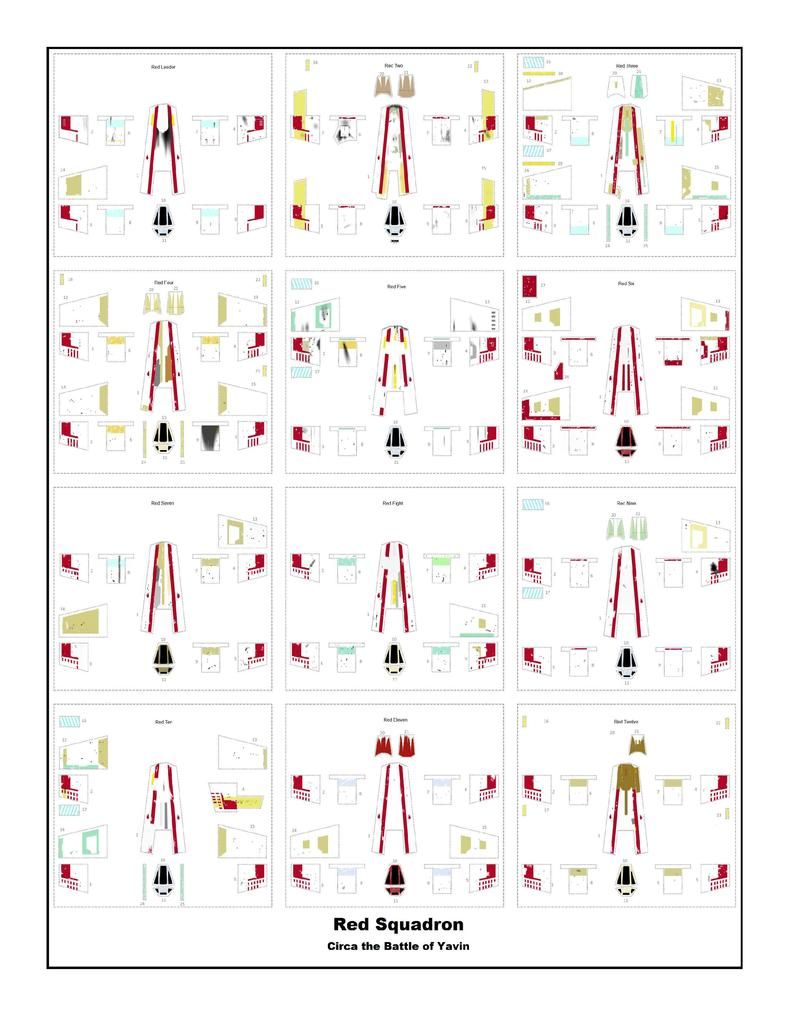
X-wing%20Decals-page-001.jpg

Any suggestions would help.

Thanks guys.

Rather than painting all the red just use it as a trim color to make the model 'pop'. Think in terms of WWII aircraft. Red spinner or fuselage band. Modern a/c are pretty bland due to the low vis schemes for combat.

You might try a little bit of Flow Improver and Drying Retarder when thinning paint. This lets the paint stay wet longer and to self level better.

20160517_175616.jpg

Doesn't seem to be working...

Great links. I think I've decided it's going to be black along the main hull where the Red is, but more of an off black. I will then paint a stripe on the wing black. This will still give it that pop I want, that unique feel, and allow me to use the decals.