Yet another character sheet... (plus ideas for a Homestead Sheet)

By Kainrath, in Star Wars: Edge of the Empire RPG

So I've been using (and encourage all to check out) these excellent sheets by Bastian Kain .

But I've been wanting to take a stab at making some myself, so I thought I'd give it a go and wanted to share them here...

Thoughts, comments and (constructive) criticisms are very much welcome...

My main focus was wanting to combine the elements of the three Core games, the lightsaber and warfare skills together with the rest... obligation, duty and morality all on one page (still working on this one)...

Also, I've been thinking of putting together a single page Sheet for the Homestead (introduced in Far Horizons)...Has anyone already done this? Or have any thoughts on layout or content?

character-sheet3.jpg

character-sheet-page-21.jpg

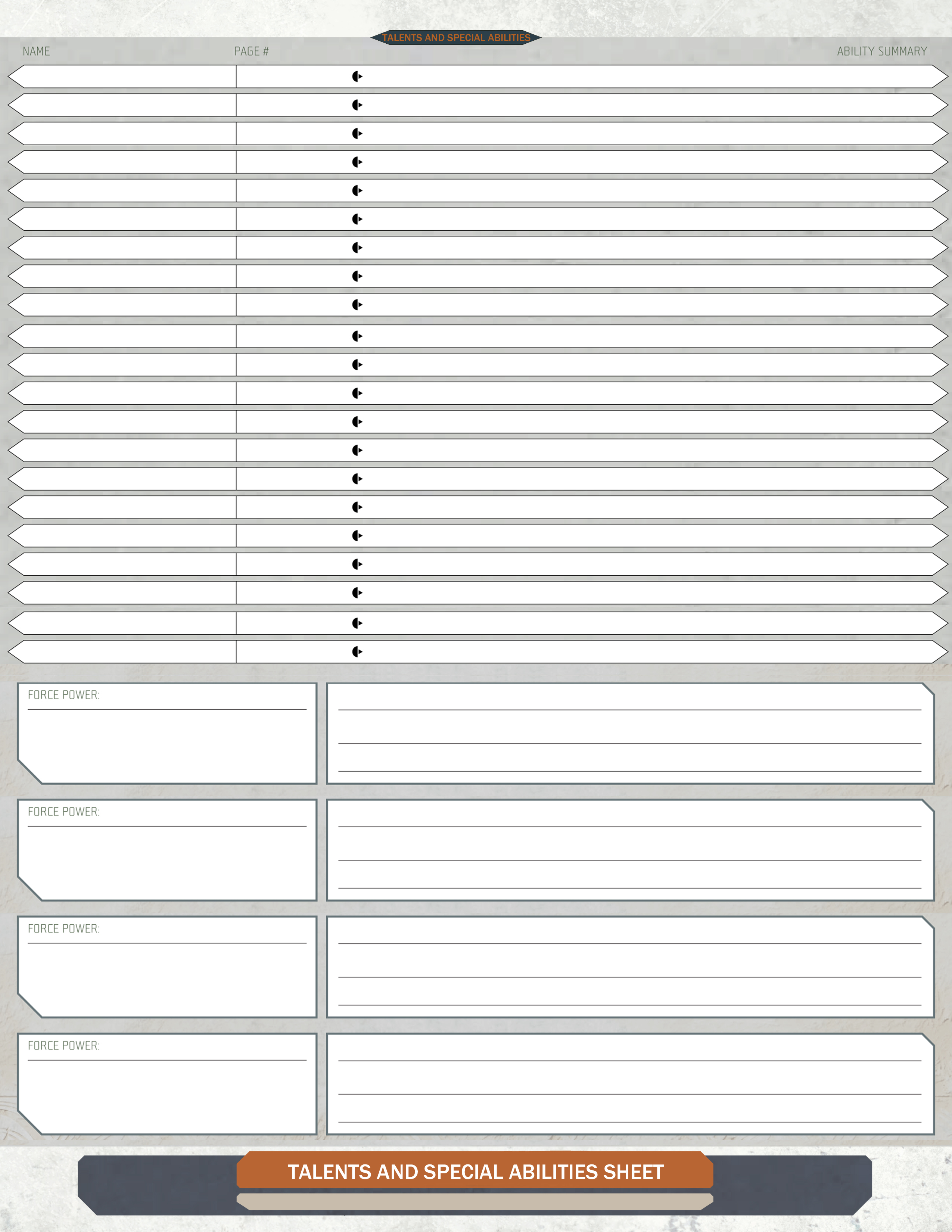
talents-and-special-abilities-sheet.jpg

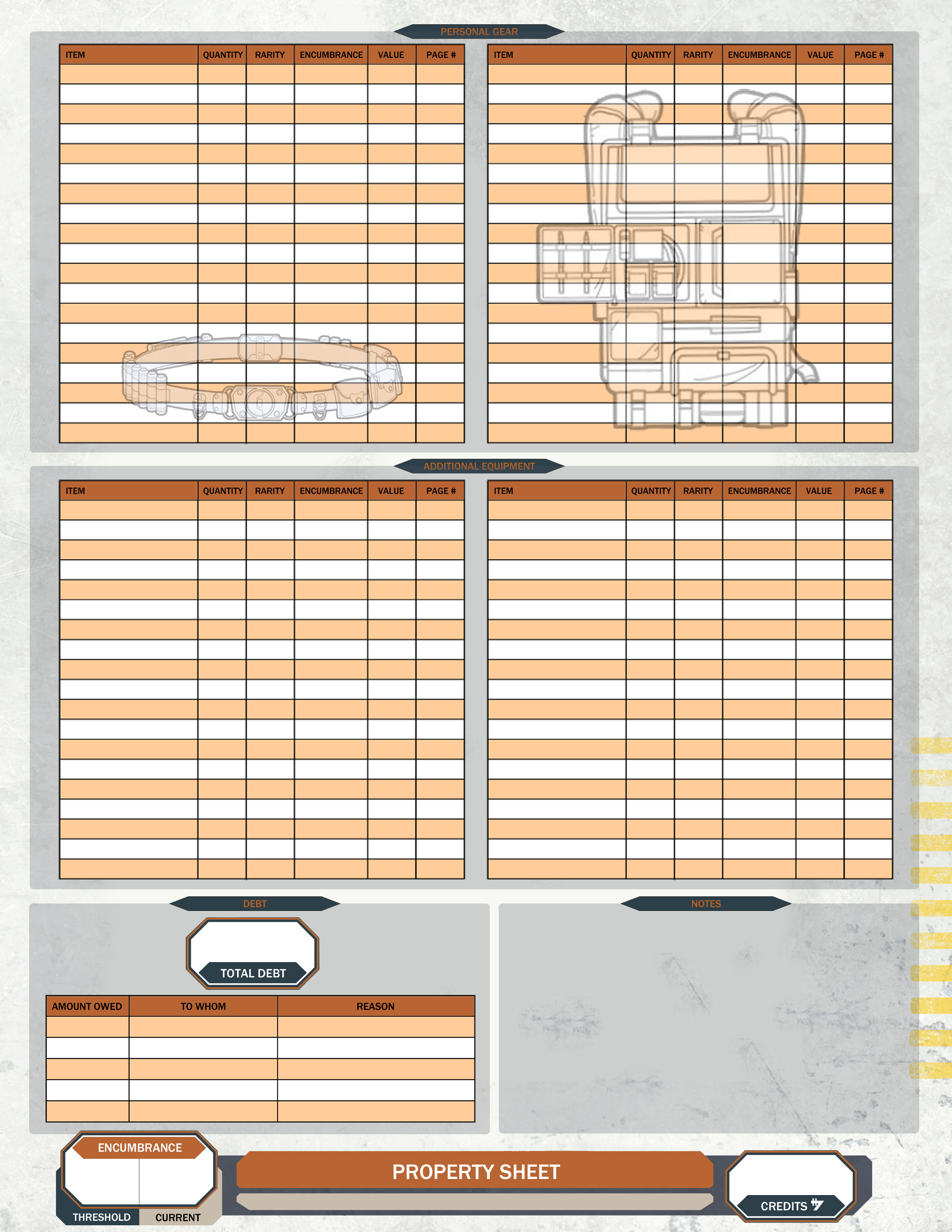
property-sheet2.jpg

weapon-sheet1.jpg

armor-and-cybernetics-sheet1.jpg

Edited by Kainrath

Looks great!

You might consider doing the headings on the tables like "Attachments" and "Other Equipment" in the same typeface used for the rest of it, or at the very least use a sans-serif face instead of a serif face.

Currently the serif face used on those headings looks very different in style than the rest of the design.

I like it overall. I think I would rather have a block for "custom skills" than the Force Rank and pool info on the front sheet.

Perhaps a better idea might be to make the Soak, Wound, etc. blocks skinnier and put the Force Pool block up there with them. Then you could move the Brawn, Agility, etc. line over to the left a bit and put the Force Rank bubble on the same line as well, like a 7th ability score.

Why does Defense have a Threshold/Current instead of Melee/Ranged?

I like the weapon sheet.

Why does Defense have a Threshold/Current instead of Melee/Ranged?

that's a mistake...fixing it now

thanks for the catch!

Looks great!

You might consider doing the headings on the tables like "Attachments" and "Other Equipment" in the same typeface used for the rest of it, or at the very least use a sans-serif face instead of a serif face.

Currently the serif face used on those headings looks very different in style than the rest of the design.

I'll try that and see how it looks...

Thanks for taking a look!

Looking at this, I notice that both “Species” and “Career” seem to be pretty long fields, and there’s no room for the player name or the name of the campaign.

I really like the idea of moving the Force Rank and Force Pool up on the same respective lines as the Characteristics.

I noted that the Lightsaber skill seems to be in a different typeface or something, so that it stands out from the other combat skills.

White type on a tan background is pretty low contrast for the word “Current”. Did you look at using black instead of white for these words?

There is a minor typo on the gear pages — the word is spelled “Quantity”.

But overall, these seem to be a notable refinement of the sheets done by that Kainrath guy. ;)

Also, I've been thinking of putting together a single page Sheet for the Homestead (introduced in Far Horizons)...Has anyone already done this? Or have any thoughts on layout or content?
When I added bases (homesteads and businesses) to my generator, I looked all over the place for one, just to get some ideas, but didn't find any. So, I just came up with my own design:

BasePage1.png

BasePage2.png

Things to include:

Summary :

Name

Career skill

Location

Base type/focus

Total Obligation

Upgrades

NPC Count

Total Monthly Profit

Picture and Description

Cost of base and upgrades

Upgrades :

Type

Count (they can be taken multiple times)

Obligation

Profit

Cost

Options (if any)

NPC Summary:

Stat blocks, skills, etc. Keep it fairly simple; I just reused my adversary block.

Inventory List:

What you have stored at your base, including gear and vehicles

I think that's about all I included.

Looking at this, I notice that both “Species” and “Career” seem to be pretty long fields, and there’s no room for the player name or the name of the campaign.I really like the idea of moving the Force Rank and Force Pool up on the same respective lines as the Characteristics.I noted that the Lightsaber skill seems to be in a different typeface or something, so that it stands out from the other combat skills.White type on a tan background is pretty low contrast for the word “Current”. Did you look at using black instead of white for these words?There is a minor typo on the gear pages — the word is spelled “Quantity”.But overall, these seem to be a notable refinement of the sheets done by that Kainrath guy. ;)

Thanks for the feedback, Brad! The type font is tricky, I can't seem to find the exact font that FFG used for skills...

When I added bases (homesteads and businesses) to my generator, I looked all over the place for one, just to get some ideas, but didn't find any. So, I just came up with my own design:

OggDude, you've nailed it man! Looks great!

I could be wrong about this, but I think standard text is Mentor, the square sort of font is Teuton, and the titles are Maqui Heavy. I tried looking for a free facsimile of Maqui, but I couldn't find one that matched the style exactly. Berlin sans serif works in a pinch.

I could be wrong about this, but I think standard text is Mentor, the square sort of font is Teuton, and the titles are Maqui Heavy. I tried looking for a free facsimile of Maqui, but I couldn't find one that matched the style exactly. Berlin sans serif works in a pinch.

Good to know.

here's the updated character sheet

still trying to find a fix for the lightsaber skill font issue ... it is vexing me :wacko:

character-sheet1.jpg

Looks great!

You might consider doing the headings on the tables like "Attachments" and "Other Equipment" in the same typeface used for the rest of it, or at the very least use a sans-serif face instead of a serif face.

Currently the serif face used on those headings looks very different in style than the rest of the design.

this is a good call...the tables need work for sure

and thanks for pointing out the "quantity" spelling error, bradknowles

*facepalm*

That homestead sheet is nice! I'd maybe try and make some room with the NPCs for story notes. Maybe stack the skills vertically and make a box to the right of each skill list for story notes, and shrink the generic notes box? Looks sharp though!

When I added bases (homesteads and businesses) to my generator, I looked all over the place for one, just to get some ideas, but didn't find any. So, I just came up with my own design:

Wait - you can do bases in the Generator? I didn't see a tab for that. Where did you tuck that away?

here's the updated character sheet

still trying to find a fix for the lightsaber skill font issue ... it is vexing me :wacko:

The best way to fix that problem might be to regenerate all the titles of all the other skills, so that everything matches what you’ve got.

It’s a pain, I know. But it would be guaranteed to make them all match.

When I added bases (homesteads and businesses) to my generator, I looked all over the place for one, just to get some ideas, but didn't find any. So, I just came up with my own design:

Wait - you can do bases in the Generator? I didn't see a tab for that. Where did you tuck that away?

Its in the GM Group Tools

When I added bases (homesteads and businesses) to my generator, I looked all over the place for one, just to get some ideas, but didn't find any. So, I just came up with my own design:

Wait - you can do bases in the Generator? I didn't see a tab for that. Where did you tuck that away?

It's part of Groups in the GM Tools, since homesteads and businesses are normally associated with groups. There's a new tab for bases in the Add/Modify Groups dialog.

Keith, the NPC's added to bases are just adversaries that use the standard adversary editor. So, if you want a back story for one of your NPCs, just edit him and add it to the description.

Of course, now that you mentioned this, I'm not sure if description shows up with the printed stat block :) I'll have to check.

When I added bases (homesteads and businesses) to my generator, I looked all over the place for one, just to get some ideas, but didn't find any. So, I just came up with my own design:

Wait - you can do bases in the Generator? I didn't see a tab for that. Where did you tuck that away?

It's part of Groups in the GM Tools, since homesteads and businesses are normally associated with groups. There's a new tab for bases in the Add/Modify Groups dialog.

Keith, the NPC's added to bases are just adversaries that use the standard adversary editor. So, if you want a back story for one of your NPCs, just edit him and add it to the description.

Of course, now that you mentioned this, I'm not sure if description shows up with the printed stat block :) I'll have to check.

Huh? I didn't ask about minions. I just directed him to where the homesteads could be found in your tools.

I was wondering one thing though. I was reading the manual last night and it mentioned that homesteads could never have their obligation reduced. I read through the section in the Colonist book and couldn't find that rule. Where is it lurking? In fact I saw where if they took the base instead of a ship there would be no associated costs.

Edited by FangGrip

I was answering Keith's comment above about NPC backstories.

Disregard that bit about base obligation. I changed the way it works to match the rules and forgot to update the documentation.

I was answering Keith's comment above about NPC backstories.

Disregard that bit about base obligation. I changed the way it works to match the rules and forgot to update the documentation.

Ah, right...I forget that I am not the only Keith on these forums. :D

I was answering Keith's comment above about NPC backstories.

Disregard that bit about base obligation. I changed the way it works to match the rules and forgot to update the documentation.

Ah, right...I forget that I am not the only Keith on these forums. :D

Oh, sorry :) I'll have to remember that. Keith Kappel mentioned the descriptions :D Which, by the way, I have now added an option for. So, you can now add backstories into an NPC's description and it'll show up on the base sheet.

I updated the original post to show the most recent incarnations of the sheets...
I'm still working on a Homestead sheet, as well as a Group sheet and some others...

I updated the original post to show the most recent incarnations of the sheets...

I'm still working on a Homestead sheet, as well as a Group sheet and some others...

This update looks really good.

However, it seems to me that maybe the box for Soak could be half as wide, and the box for Force Pool doesn’t need to track “Threshold vs. Current”, since your Force Rank controls how many dice you have and then the only thing I know of that you track relative to that is how many Force dice you might have committed to some power or another.

With those two changes, if all the other boxes were a bit smaller then you could get all those boxes on a single line.

I updated the original post to show the most recent incarnations of the sheets...

I'm still working on a Homestead sheet, as well as a Group sheet and some others...

This update looks really good.

However, it seems to me that maybe the box for Soak could be half as wide, and the box for Force Pool doesn’t need to track “Threshold vs. Current”, since your Force Rank controls how many dice you have and then the only thing I know of that you track relative to that is how many Force dice you might have committed to some power or another.

With those two changes, if all the other boxes were a bit smaller then you could get all those boxes on a single line.

the force pool box should track "committed" and "available" rather than "threshold" and "current"...gotta fix that.

but i guess the "available" half of the box would be redundant? since force rank would be the same number?

thanks, as always for the input, brad!

They look awesome. The only thing I noticed was that the dark orange on black is really hard to read. I'd probably just go with white text on those.