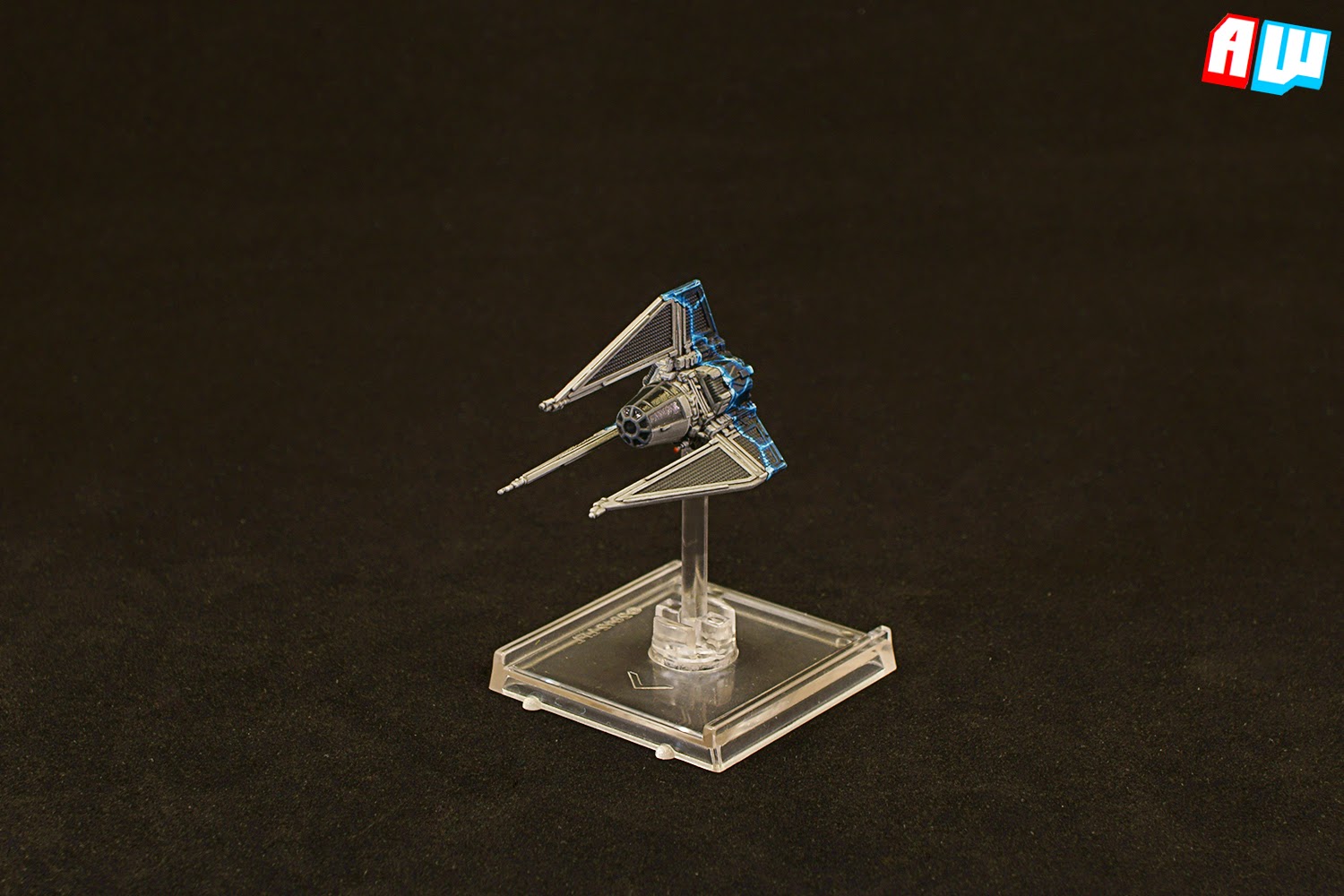
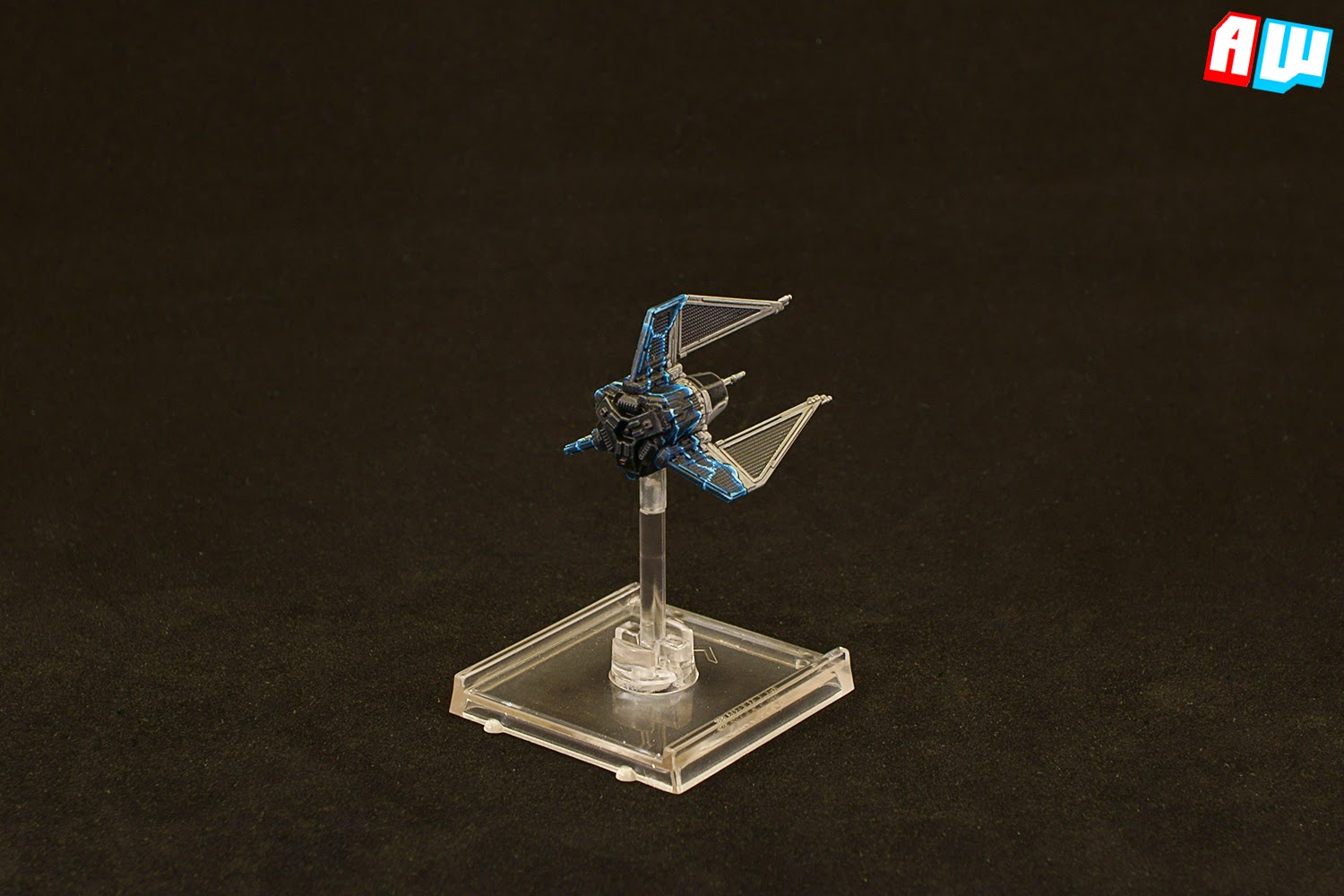
Another half-cloaked Phantom to show. The idea came from another forum user called Keffisch. As always this has been copied and pasted from my blog.
I was lucky enough to end up second at the Assault at Imdaar Alpha event and secured a TIE Phantom as a prize (my opponent chose the E-wing). The Phantom is damnably cool, both as a model and in terms of rules, but I couldn't very well leave it at that, now could I? Not after I had seen Keffisch's excellent Phantom. The credit (or is it perhaps blame?) for this project goes to him.
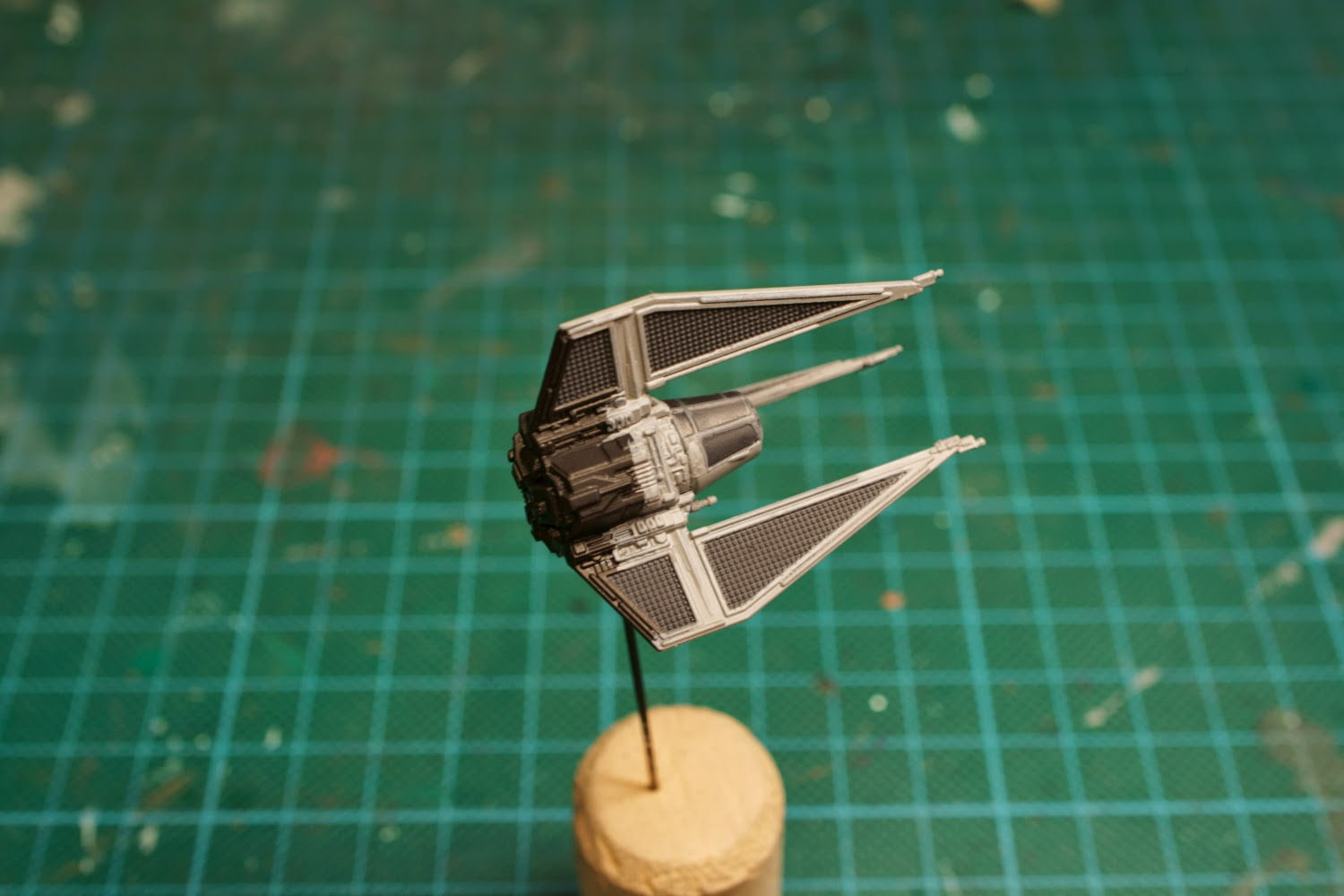
Unlike my other X-wing repaints, I didn't bother with stripping the paint this time. Removing the paint was fairly unnecessary to begin with, I was just keen to the see if it mattered. First I started with spraying black primer directly on the factory paint. This was followed by painting Vallejo German Grey on the cockpit windows and the solar panels. The cockpit struts was painted with a 1:1 mix of Vallejo Cold Grey and German Grey. Everything else was painted with Vallejo Stonewall Grey.
Something that should be painfully obvious from the picture is that I did not paint the entire model. As I had planned on painting my Phantom as if it were decloaking, there was no need to paint the rear. Indeed, I probably covered a bit too much of the model with base colours.
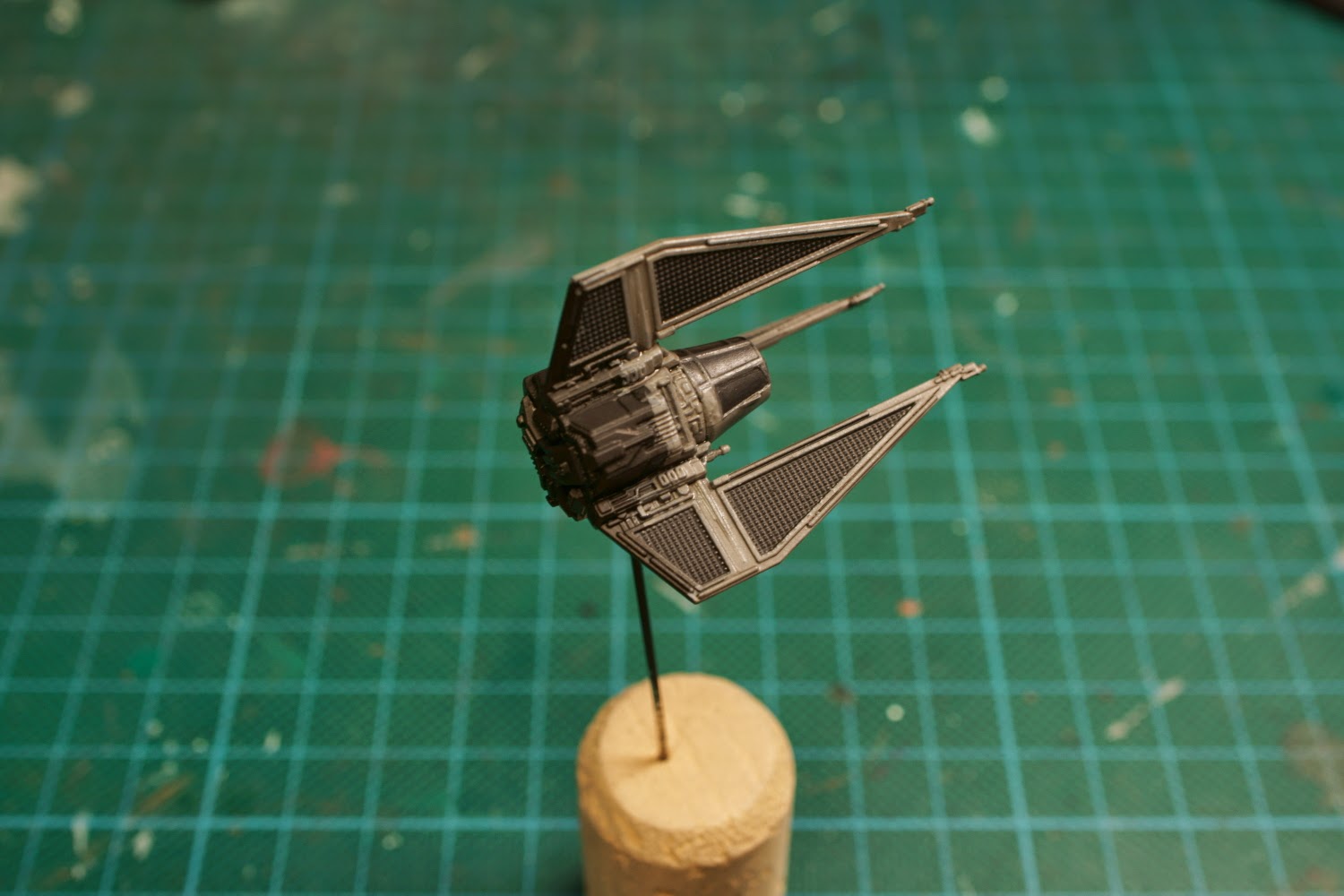
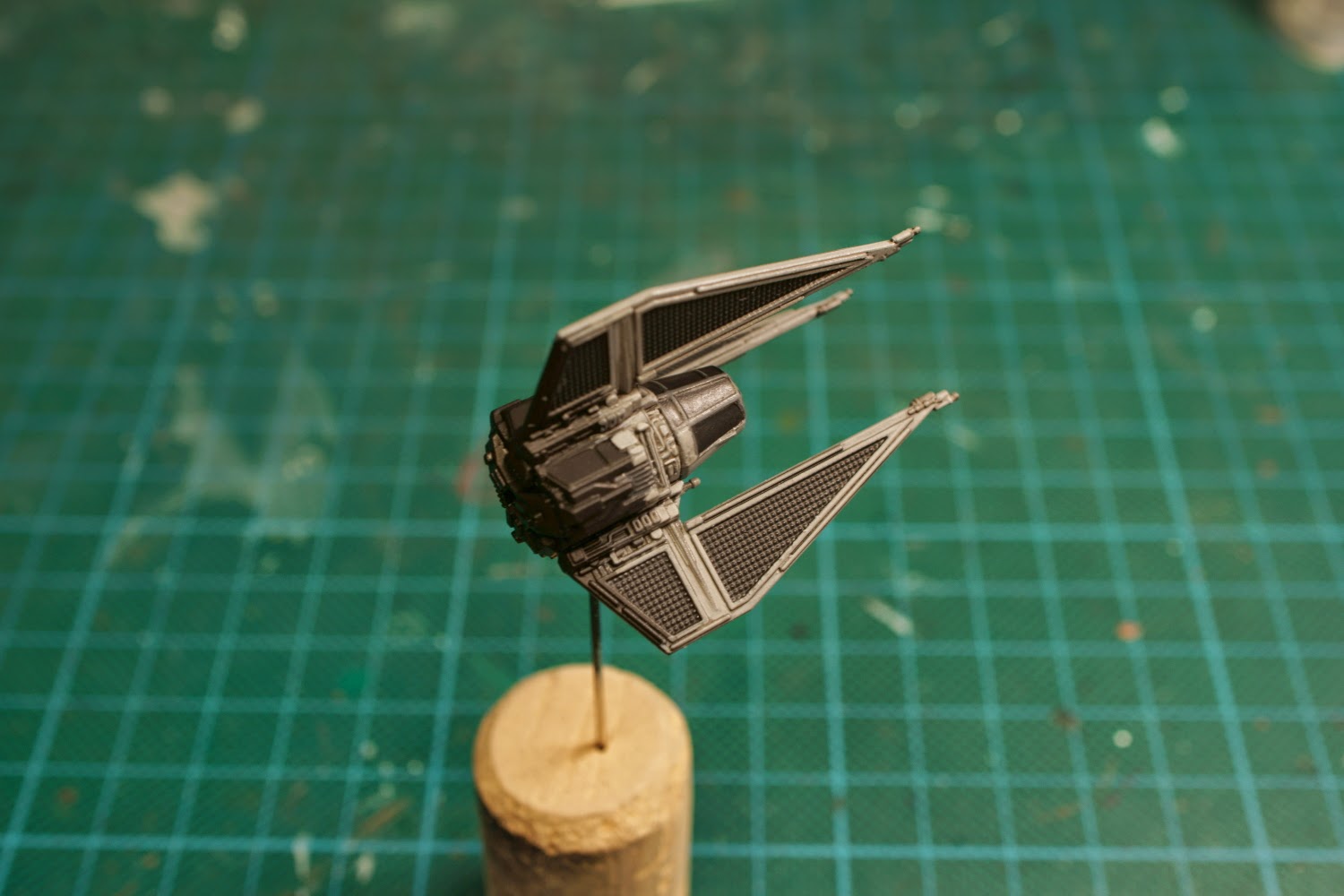
I washed the entire model with undiluted Army Painter Dark Tone ink and after that I cleaned up the model with the base colours.

I highlighted everything painted with Cold Grey with a 3:1 mix of Cold Grey and Stonewall Grey. The idea was that pure Stonewall Grey would have made the model too bright in comparison to the cloaking effect, but as it turned out this mix was unnecessary. In fact, the highlight is somewhat hard to see on some edges. Learn from my mistakes, kids! Before I forget to mention it, I also added a very hard to miss highlight on the solar panels by lightly drybrushing Cold Grey on them.

And now for the fun part! Decloaking! While I may have taken my inspiration from the previously mentioned Keffisch, I wanted the style of the cloaking effect to look similar to the artwork found on the Advanced Cloaking Device card that comes with the Phantom. To achieve this I started by painting pure Vallejo black slightly randomly on the edge between the painted and unpainted part. Next I painted a fairly broad area behind the black edge with a1:1 mix of old GW Regal Blue and Vallejo Black. Inside the previous mix I painted plain Regal Blue and I also drybrushed the rear with some German Grey followed by very light drybrush with Cold Grey. I reasoned that nothing is truly black, not even in space, and therefore the grey added some well needed definition.
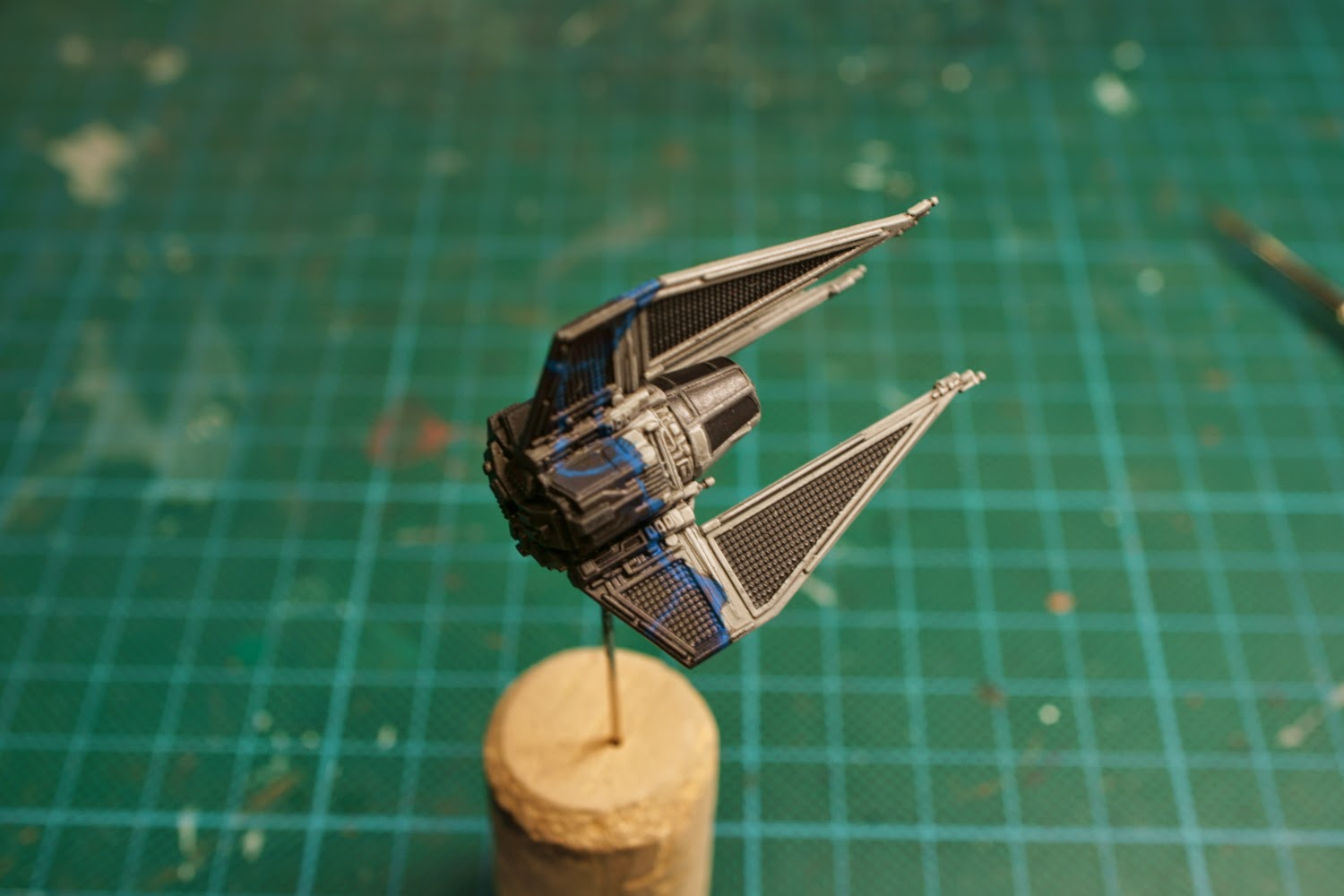
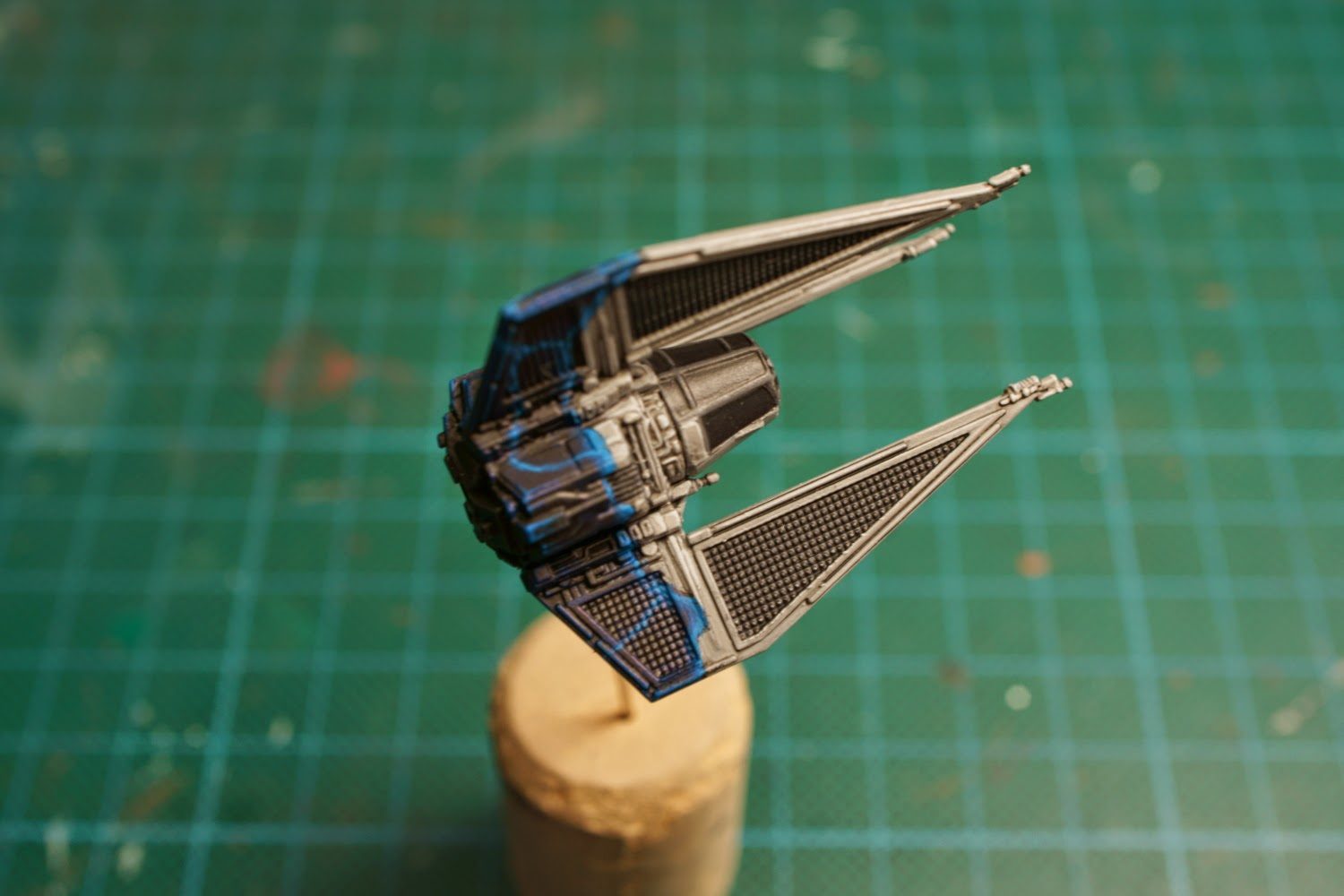
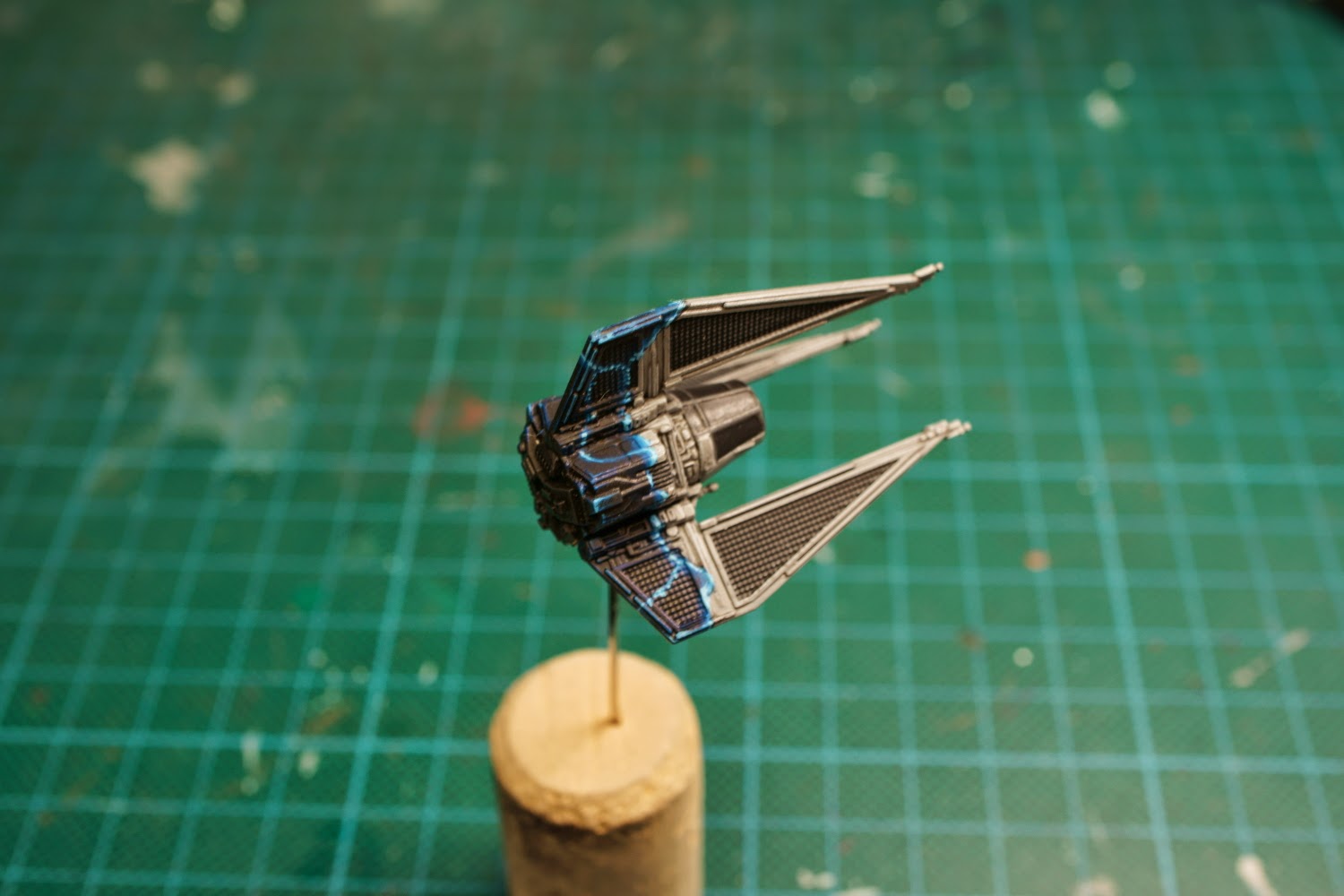
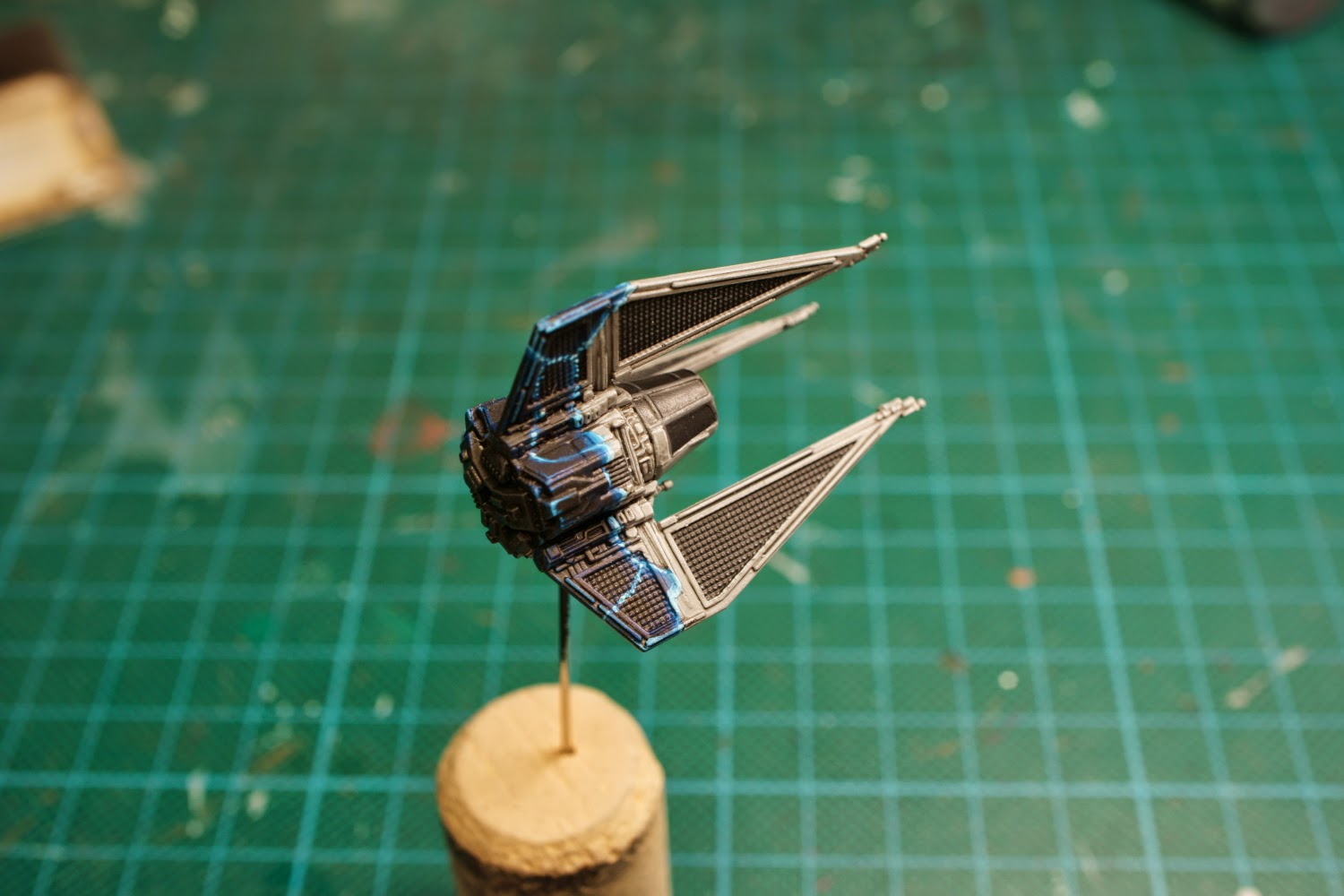
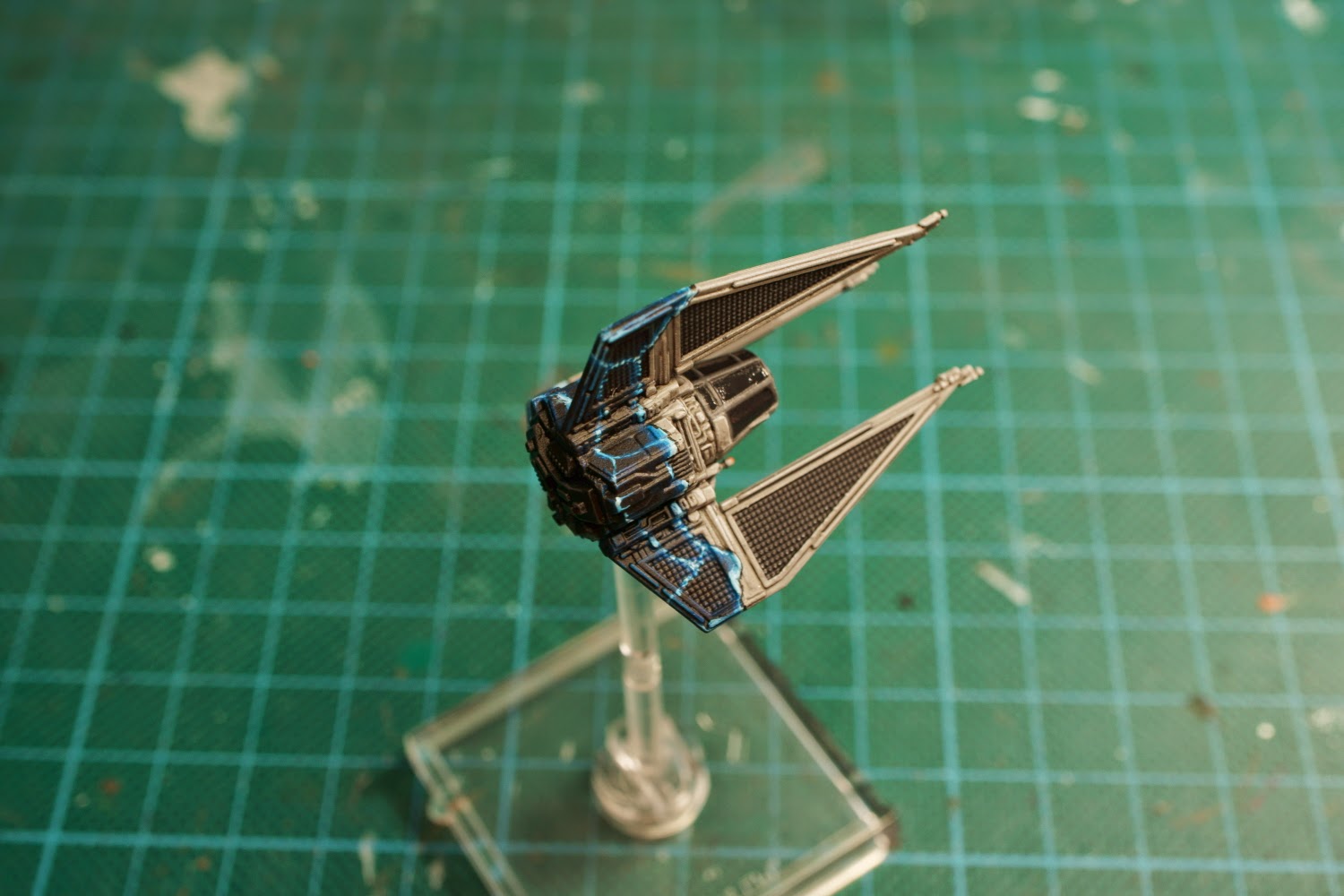
 ).
).  This project may be enough to motivate me get off my tush and start painting stuff up.